Furuno Bridge - Offline training
Furuno Bridge - Offline training
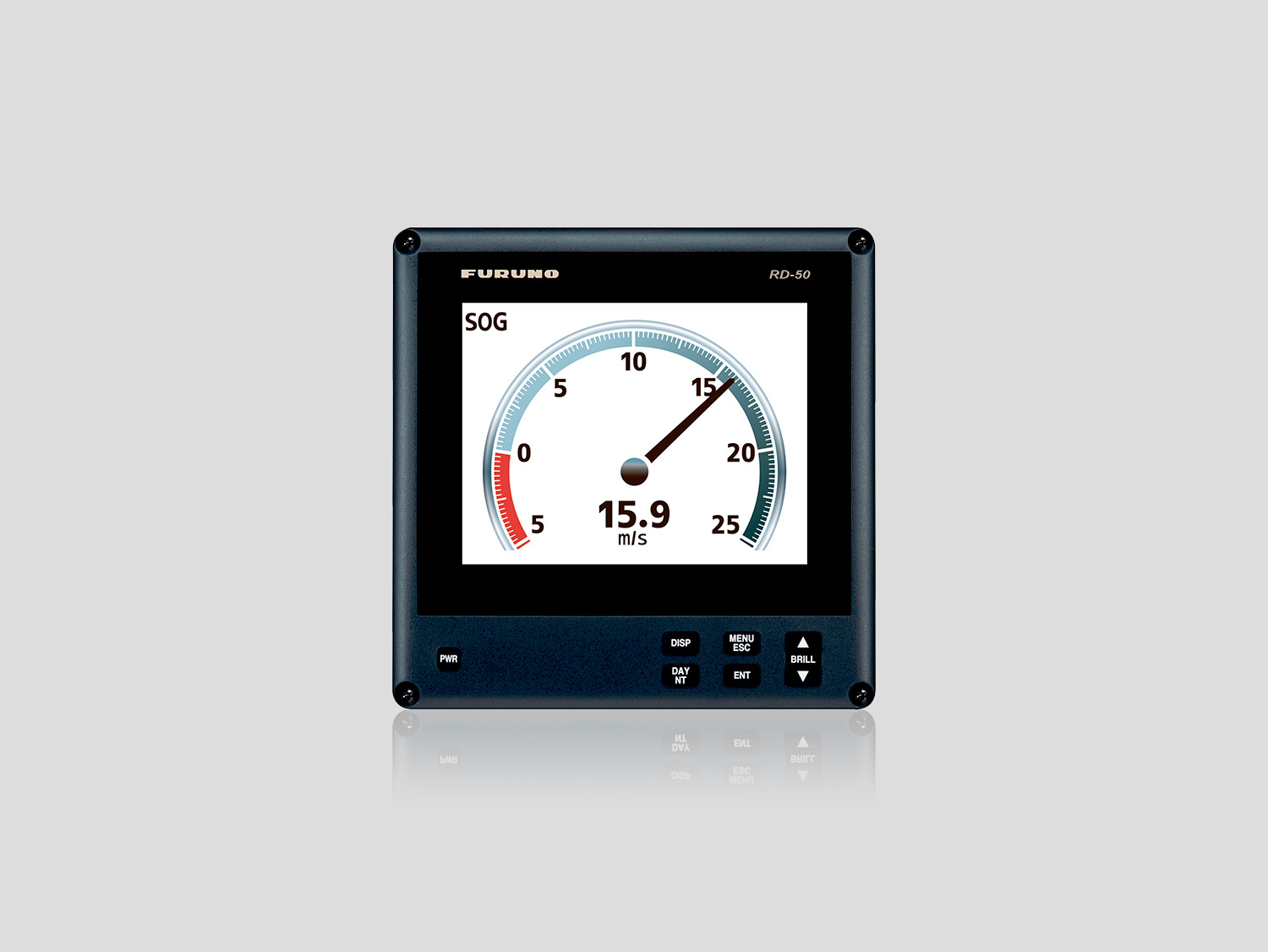
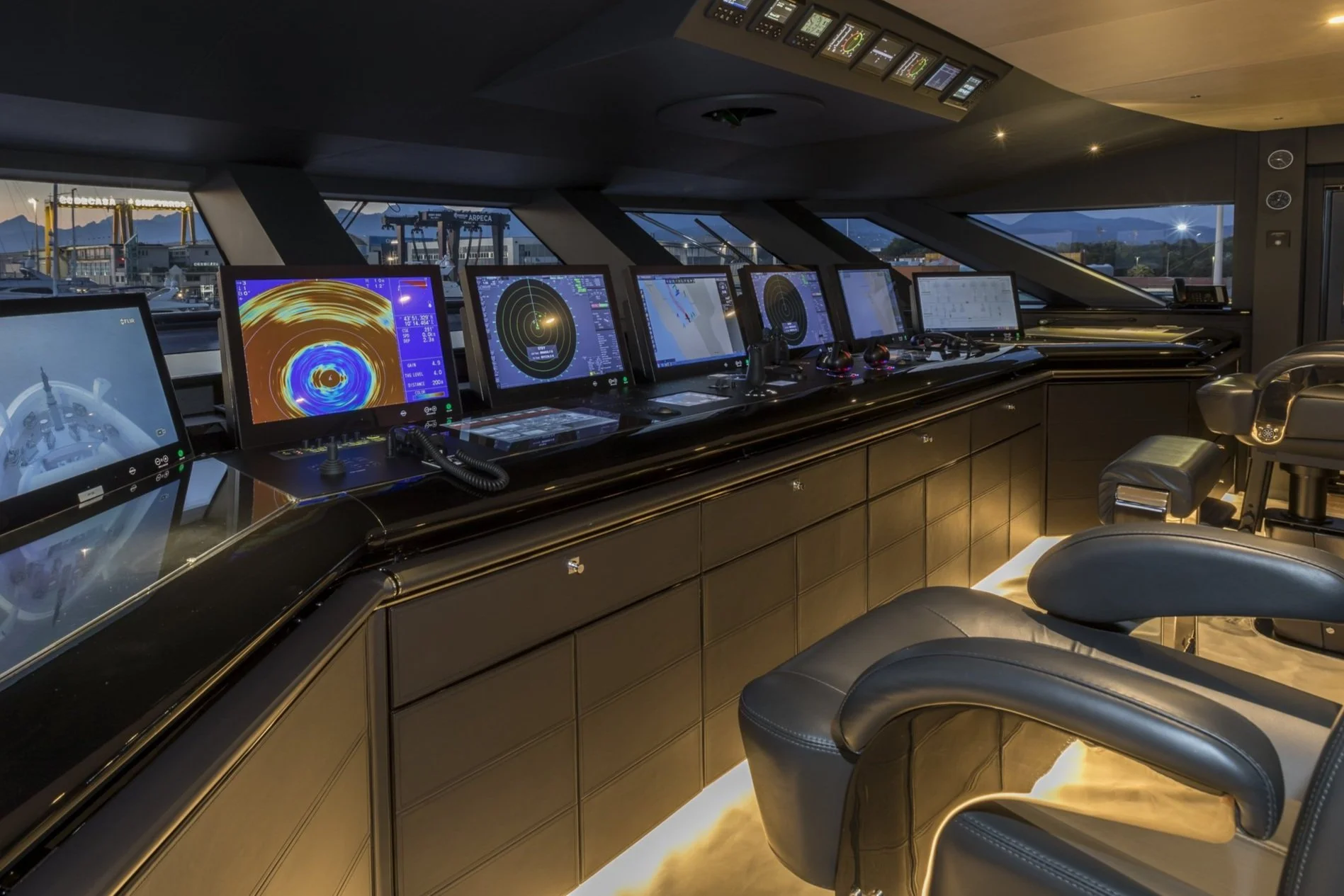
This training course will familiarize you with the different equipment in your Furuno bridge. Through six course modules, you will learn how to operate the AIS, GPS, NAVTEX, Echo Sounder, MF/HF Radiotelephone, and VHF Radiophone correctly and effectively.
The training is conducted entirely offline, enabling you to learn from anywhere, at any time, and at your own pace. The course material is presented through video format, enriched with dynamic animations and illustrations.
Relevant for: This course is relevant for Masters, Chief Mates, and Officers in charge of a navigational watch, who joins a newbuilding or have their navigation bridge retrofitted with Furuno instruments. The course could also be relevant for anyone interested in how to operate Furuno bridge instruments in general. This could include Ship Managers, Technical Superintendents, Technical Staff, Marine Engineers, shore-based personnel, yachtsmen; etc.
Duration: The estimated duration for this course is 8 hours in total. Please notice that you have the flexibility to start and stop the course as often as you like, making it easier to fit the training into your schedule. You have 90 days to complete your training course counting from the day your license key is activated on the platform.
Admission recommendations: None
Course content:
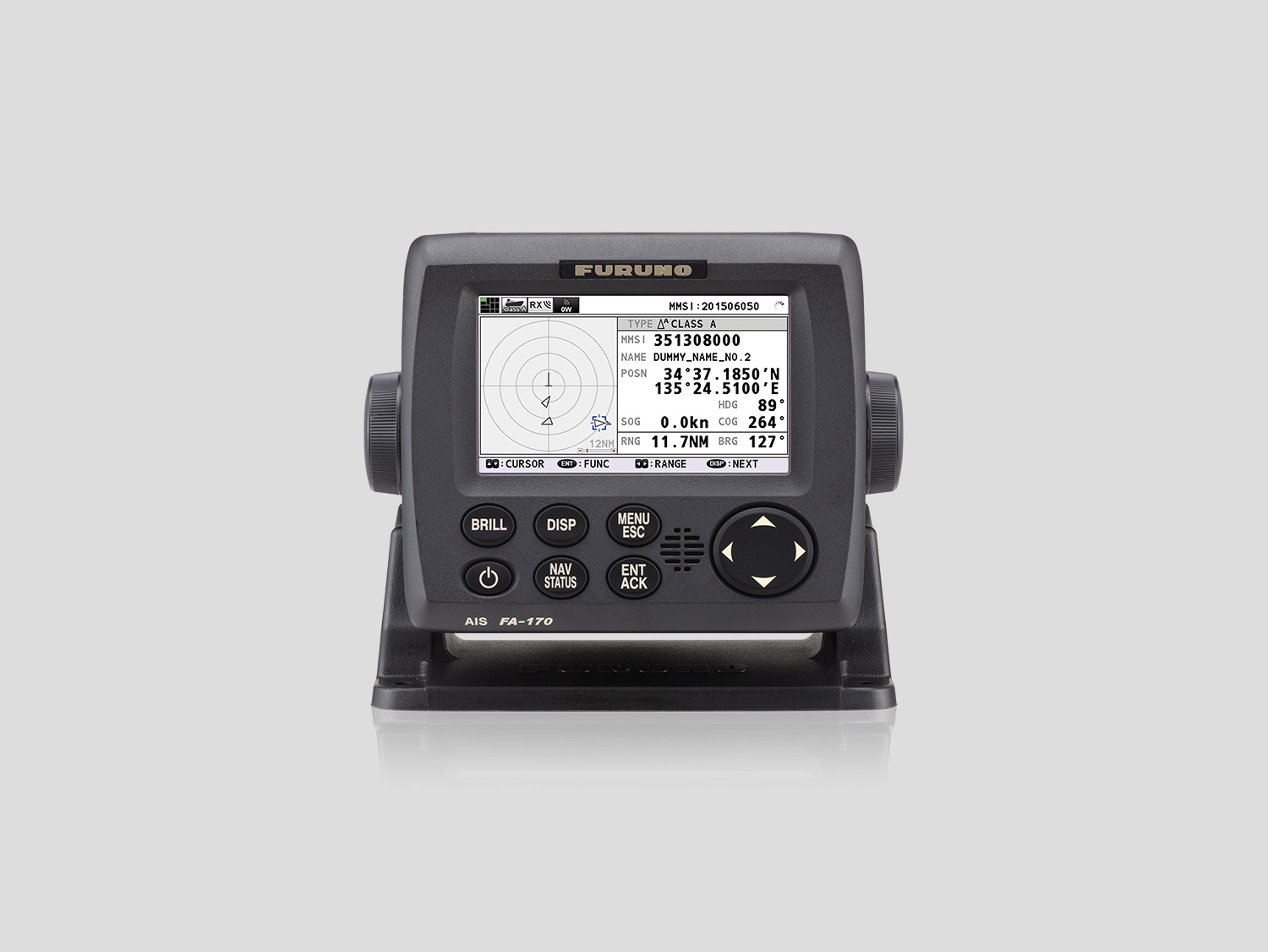
AIS (Furuno FA-170)
GPS (Furuno GP-170)
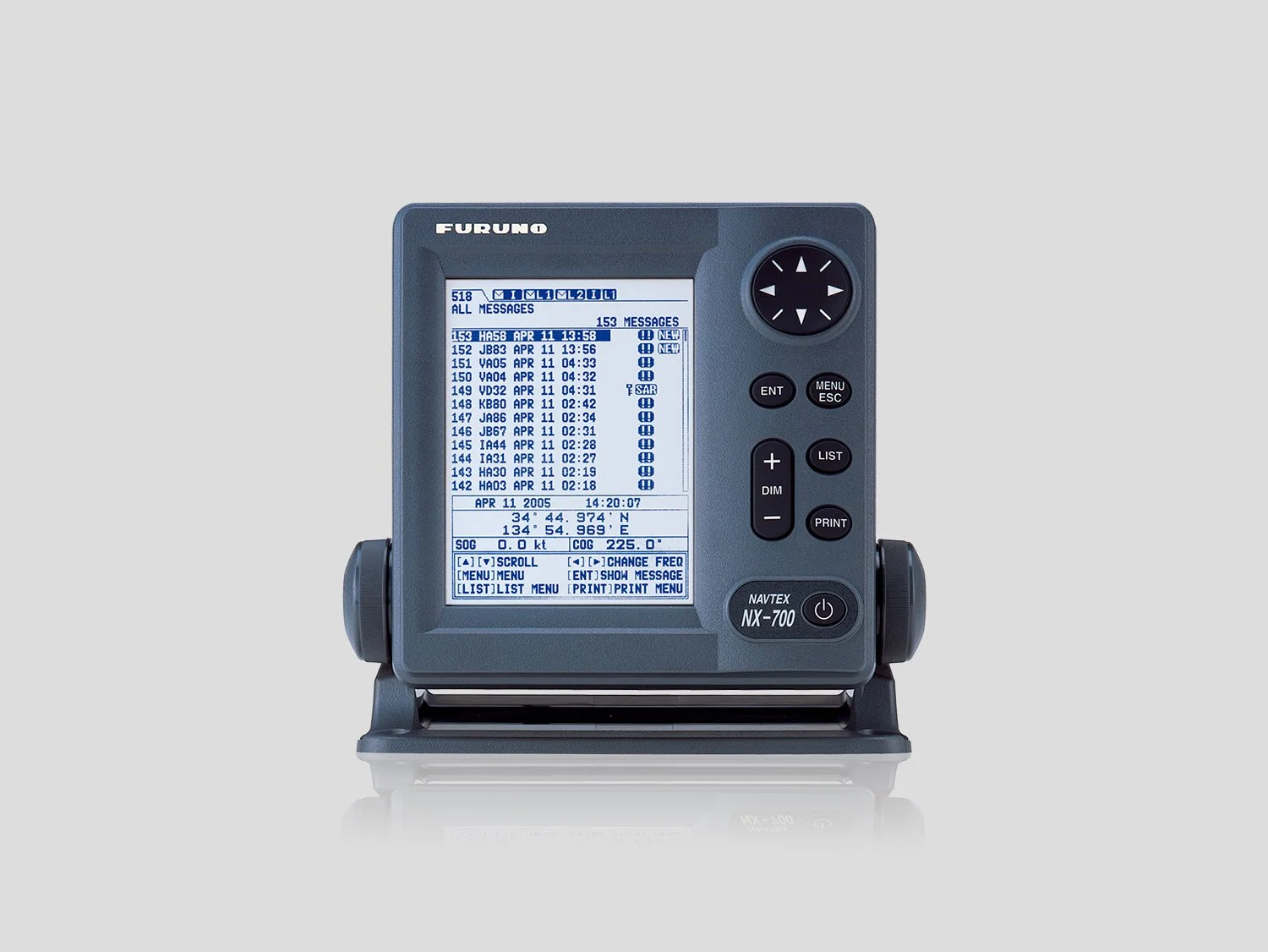
NAVTEX (Furuno NX-900)
Echo Sounder (Furuno FE-800)
MF/HF Radiotelephone (Furuno FS-1575/2575/5075 SSB)
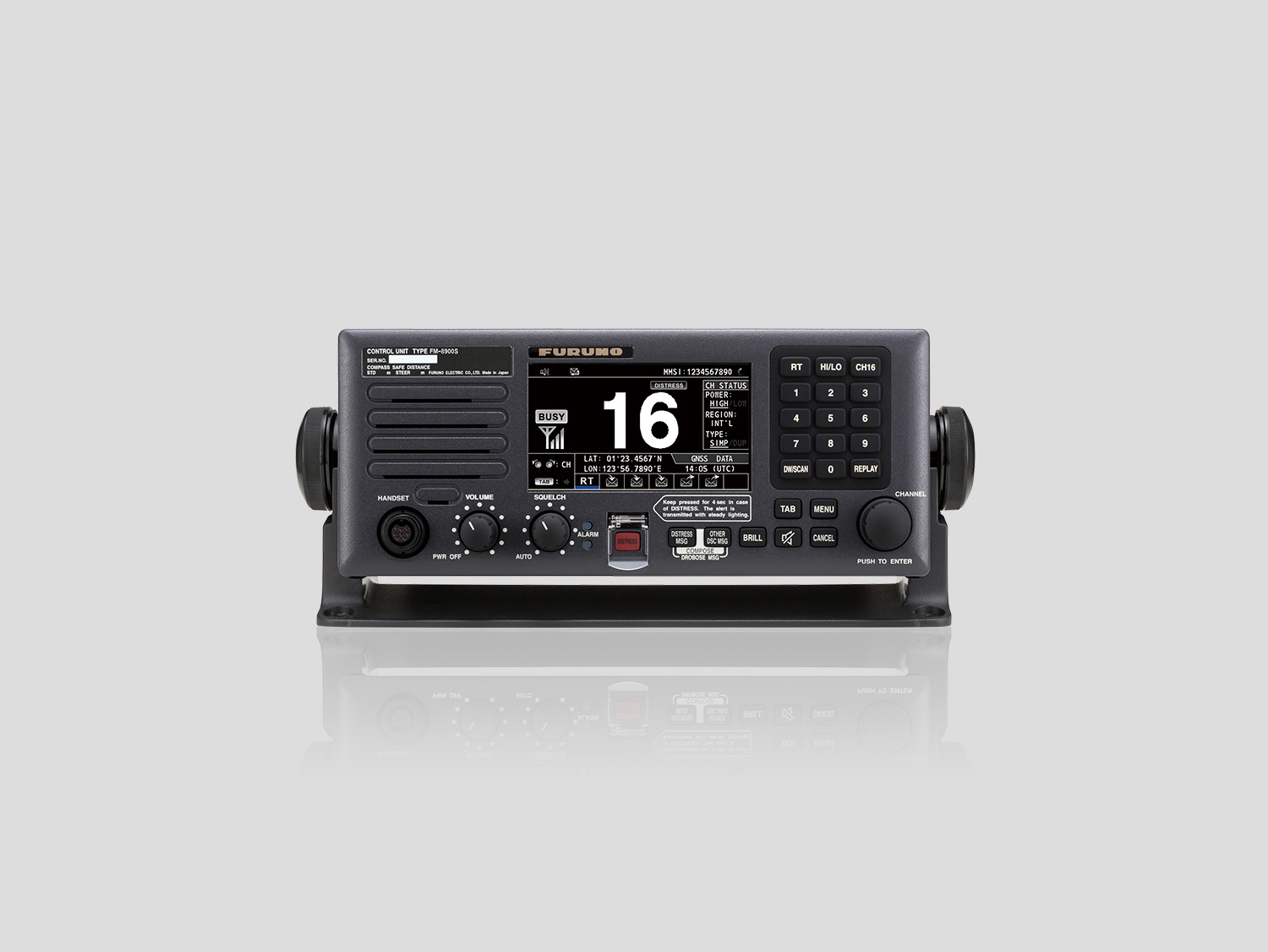
VHF Radiophone (Furuno FM-8900S)
Certificate
Upon successful completion of your training course, you will receive a digital certificate by email within one hour.
The certificate meets regulatory requirements for manufacturer-approved, type-specific training.
The digital certificate for offline training is identical with our online training course, and it is stated which format you have completed the course in (offline or online).
How to complete your training course
Get license key(s): Order license key(s) from your local Furuno distributor.
Download app: Use our app for your training course by downloading it here.
Unzip or extract the zip file and run the installer afterwards: You can for example use 7-Zip software or WinZip.
Open the training app: Double click on the “NavSkillsCBT_nxt_installer” file to open the app.
Insert your license key: You can copy and paste the license key or insert the key with your keyboard.
Create your profile: Use your own email and write your full name for the certificate.
Start training: Complete all lessons and tests and click “verify“. When you click “verify” remember to be connected to the internet.
Get your certificate: Our system will automatically verify your results and issue a digital certificate by email within one hour.Training certificate: The training course includes small tests after each lesson, eliminating the need for a final, conclusive test. When you have passed all tests, a digital certificate is generated immediately on the NavSkills™ Online platform.
Technical requirements for offline training: Windows 10 or 11.
Price: The course price is per trainee and excl. VAT taxes.
Terms & conditions apply. Click here to read.
Do you wish to pay by invoice? Please click here.